Account Takeover via Password Reset: Resetting Any User's Password
Forgot your password? So did I, and I used it to reset someone else's, silently, with no OTP and no notification sent to them. This is a real account-takeover bug in a university portal's reset flow, and the one architectural fix that closes it.

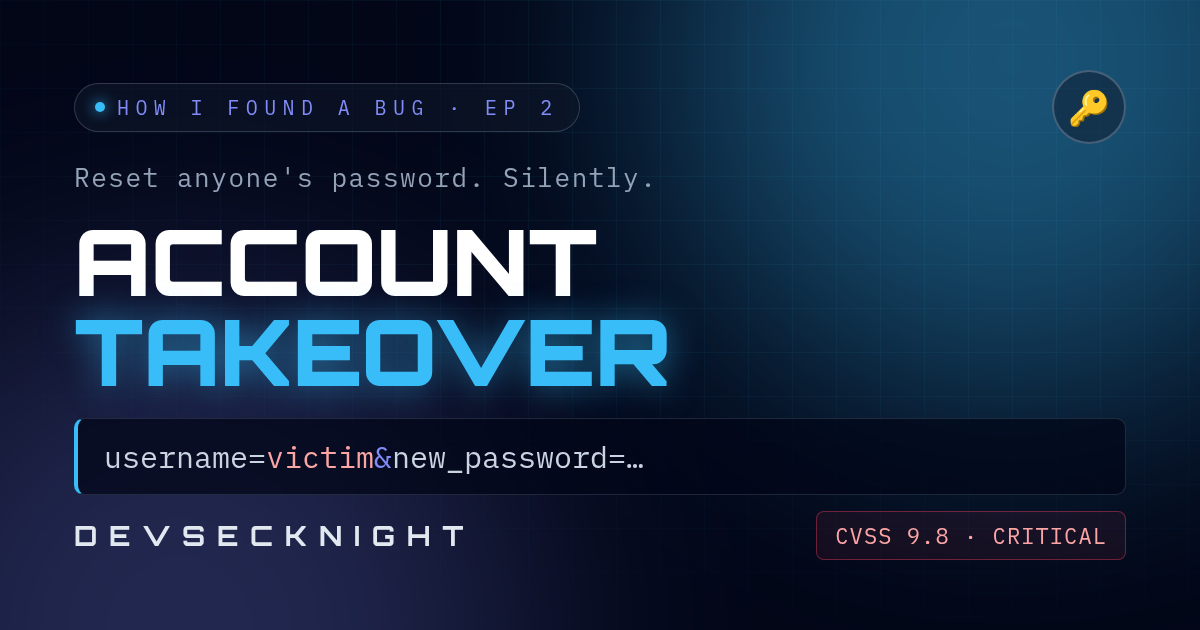
Forgot your password? So did I. And by the end of this, I had reset someone else's, and they were never told.
This is a real bug I found in a university portal's "forgot password" flow. The organisation is not named. To see why it broke, we need to walk through what a password reset is actually supposed to prove.
 Account Takeover via Password Reset: Resetting ANY User's Password | Bug Bounty
What a reset is supposed to prove
A good reset flow has one job: prove that the person resetting the password is the same person who owns the account. Usually that's done with a one-time code (OTP) sent somewhere only the real owner can reach: their email, or their phone.
This portal's flow looked completely ordinary on the surface:
- Enter your username.
- Receive an OTP and type it in.
- Land on a change-password page.
- Enter a new password, confirm it, and submit.
Each of those steps looks like a checkpoint. But a checkpoint only matters if the server keeps checking who it's talking to, from the first step to the last. And that's exactly where this broke.
One trusted field breaks everything
When I intercepted that final request, the one that actually sets the new password, I noticed something: it carried the username again, right there in the request body, alongside the new password.
POST /account/reset/submit
Content-Type: application/x-www-form-urlencoded

username=victim&new_password=...&confirm_password=...
Which raised one question: if I changed that username, right before sending, to someone else's, would the server even notice?
It didn't. I swapped the field to another user's username, sent the request, and their password was changed. Not mine. No OTP was ever sent to them. No notification. Nothing.
The mechanism: verified once, trusted blindly
Here's what happened. The server had verified my OTP, for my account, back in step two. But at step four, it didn't check "does this request still belong to the session that verified that OTP." It just trusted whatever username arrived in the final request, and reset that account's password, no questions asked.
In other words, the identity check happened once, early, and never again, even though the dangerous action, the actual password change, happened at the very end. That's a broken multi-step process: proving who you are at the start of a flow means nothing if the last, most powerful step doesn't re-check it.
Why it is not a crypto bug
This is subtly different from a normal broken-authentication bug. The OTP system itself worked fine. The cryptography, if there was any, wasn't attacked. The flaw was architectural: verifying identity in one step, then trusting client-supplied identity in a later, unrelated step, instead of binding every step to one server-side session.
Why it is critical
It's rated critical, 9.8 out of 10. No credentials needed, no interaction from the victim, completely reliable, and the impact is total: full account takeover, silently, for any user whose username you know or can guess.
The fix: bind every step to one session
The fix is to bind the entire flow to one server-side session from the first request to the last:
- the OTP is issued to a session,
- it is verified against that same session,
- the final password-change request is only ever applied to the account tied to that session, the server's own record, never a username the client resends.
If the username in the final request doesn't match who verified the OTP, reject it outright.
For educational purposes only. The organisation is not named. Only test systems you own or have written permission to test.
Follow Devsecknight for more real bug reports, explained properly.